Reference image editing
Switch to gpt-image-2-edit, upload reference images, and describe the change you want to apply.
Prompt-guided image editing
Supports uploaded reference images
Useful for product, portrait, and marketing revisions
Generate detailed images from prompts or edit reference images with GPT Image 2. Choose the model, quality, size, and resolution in one focused playground.

Select Generate or Edit, then choose the quality, size, and resolution that match your image task.
Describe the image to create or the edit to apply. Add reference images when using GPT Image 2 Edit.
Submit your request, review the result in the output panel, and download the finished image.
GPT Image 2 brings OpenAI image generation into a NanoImg model page with two public models: gpt-image-2 for text-to-image creation and gpt-image-2-edit for prompt-guided image editing.
Use gpt-image-2 to turn a prompt into a single finished image with quality, size, and resolution controls.
Prompt-driven image generation
Quality controls for low, medium, and high output
Aspect ratio and custom size support
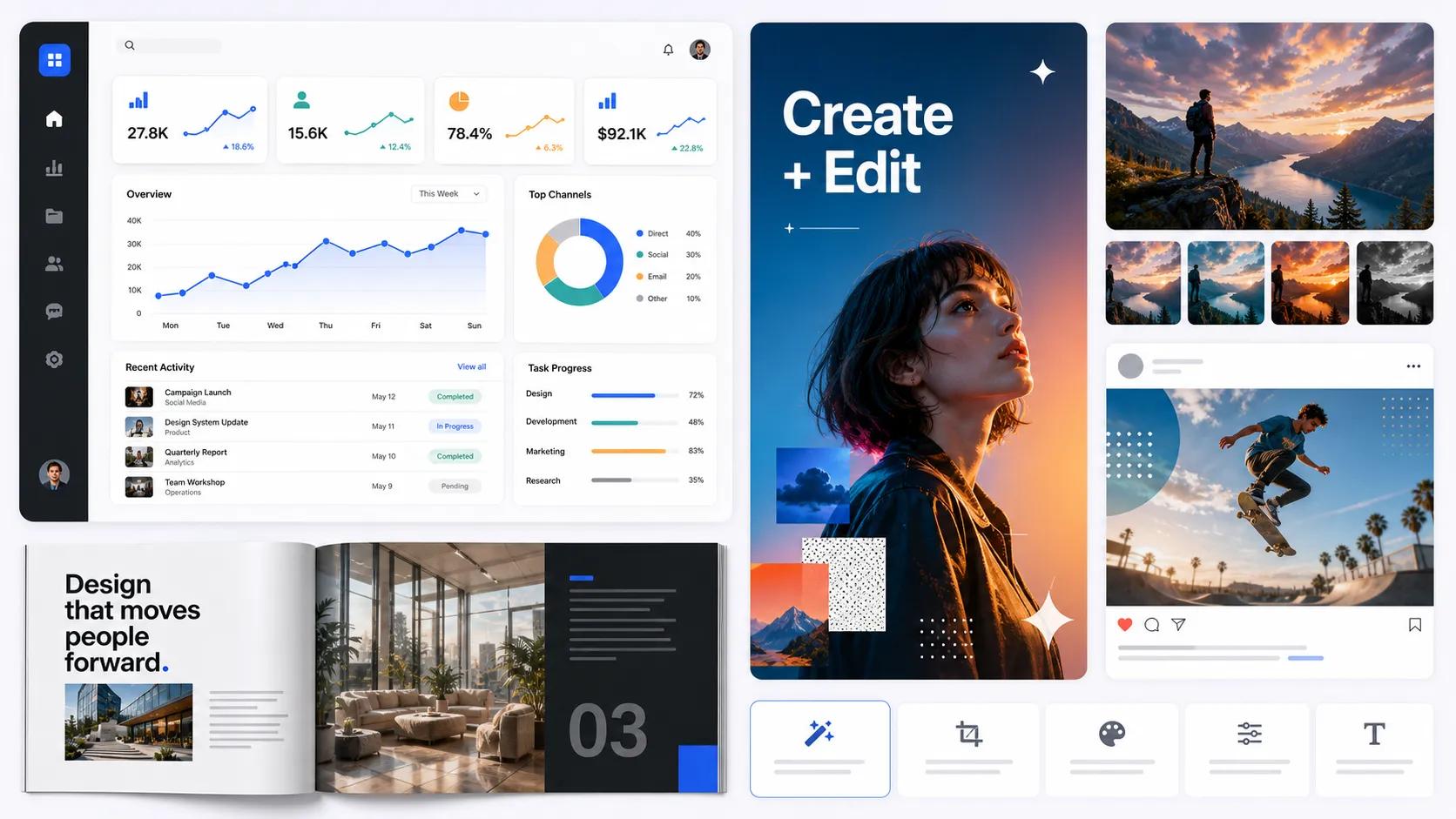
Switch to gpt-image-2-edit, upload reference images, and describe the change you want to apply.
Prompt-guided image editing
Supports uploaded reference images
Useful for product, portrait, and marketing revisions
Create product photos, social content, and realistic scenes with stronger visual detail and cleaner composition.
Product photography style prompts
Marketing and social creative workflows
Realistic lighting and material detail
Use GPT Image 2 for dashboards, screenshots, app concepts, and other structured image prompts where layout quality matters.
Dashboard and interface mockups
Readable labels and structured layouts
Fast visual exploration for product teams