AI Black and White Filter - Professional B&W Photo Converter

Convert color photos to stunning black and white with AI. Customize contrast, brightness, and shadows instantly. Perfect for portraits, landscapes, and artistic photography.

Click or drag to upload images

JPEG, PNG, WebP (max 5MB each, up to 4 images)

0/200
0/200
Samples
Example 1 - 后
Example 1 - 前
Auto
History

How to Use AI Black and White Filter

1

Upload Color Photos

Upload up to 4 color images (JPEG, PNG, WebP, max 5MB each) for AI Black and White Filter conversion.

2

Set B&W Parameters

Customize contrast, brightness, and shadow settings. Use presets or let AI apply optimal Black and White Filter defaults.

3

Get B&W Results

Download professional black and white conversions in 10 seconds. High-quality images ready for any use.

AI-Powered Black and White Conversion

Advanced AI analyzes color data to create professional black and white conversions. Automatically preserves textures, optimizes contrast, and maintains image quality for superior monochrome results with NanoImg.io technology. For other artistic effects, explore Photo to Sketch, Vignette Effect, or Sepia Filter.
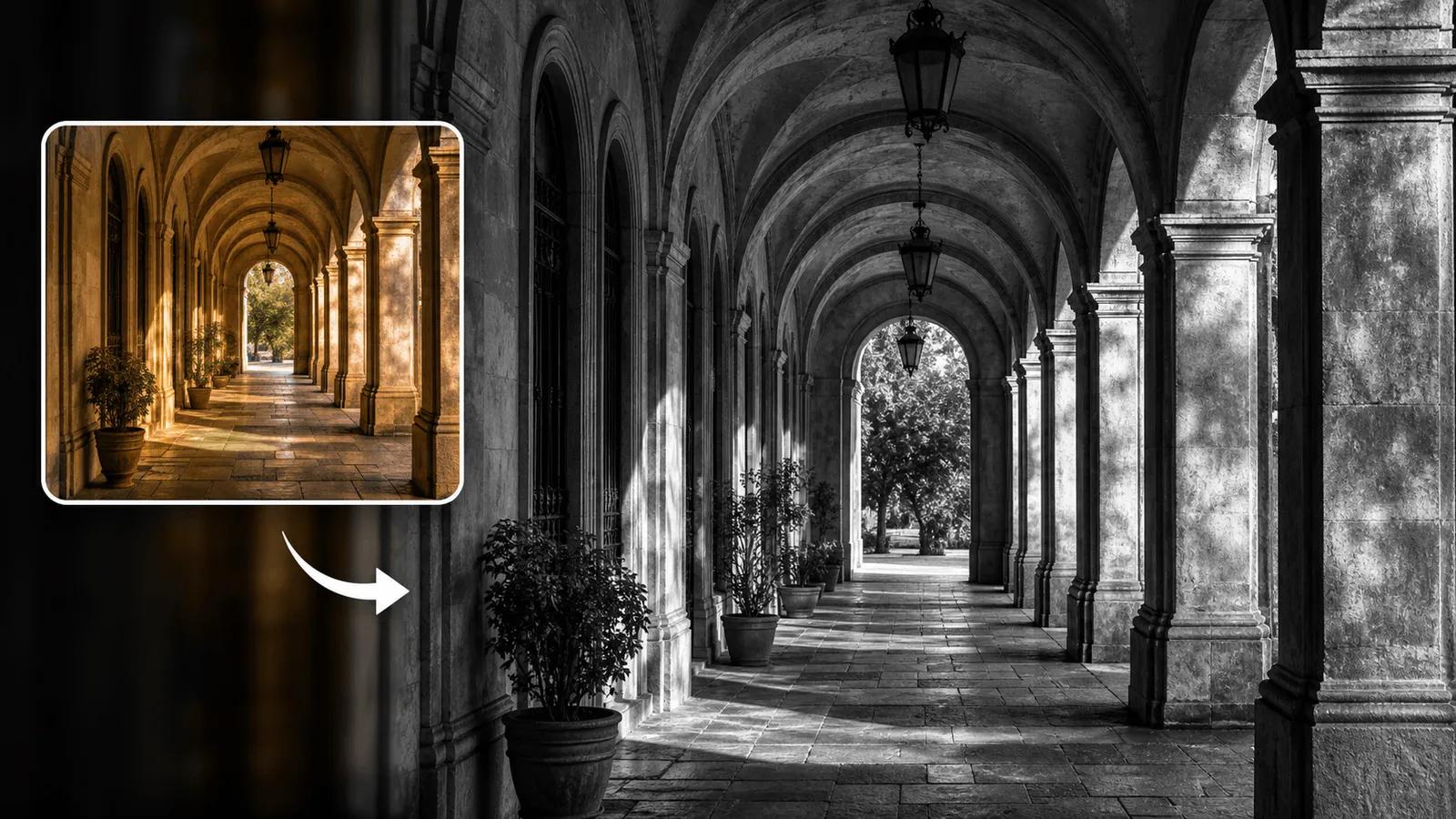
AI Black and White Filter technology showing professional conversion

Custom Black and White Filter Settings

Full control over Black and White Filter conversion with custom settings. Adjust contrast, brightness, and shadows with AI precision. Use presets or create custom effects for professional photography results.

Professional B&W Photo Quality

Professional-grade black and white conversions for portfolios and commercial use. AI technology preserves fine details and textures while creating clean, artistic monochrome images perfect for any application. Enhance with Color Correction or try Recolor Image for creative color grading.

Black and White Filter FAQ

Everything you need to know about AI B&W photo conversion

NanoImg.io's Black and White Filter uses AI to convert color photos into professional B&W images. It analyzes colors and preserves textures while optimizing contrast for superior monochrome results.
Yes! The AI Black and White Filter is free to use online. Each conversion costs 2 credits, and new users receive free credits to get started immediately.
Yes! Specify custom Black and White Filter settings like 'high contrast, medium brightness, soft shadows' or use AI-optimized defaults for professional results.
The AI automatically applies optimal Black and White Filter defaults: medium contrast, high brightness, and balanced shadows for professional-quality monochrome conversion.
The AI Black and White Filter works excellently with all photo types: portraits, landscapes, street photography, and artistic images. Textures and details are preserved regardless of subject.
Accepts JPEG, PNG, and WebP images up to 5MB each. You can upload up to 4 images at once for batch processing.
AI Black and White Filter conversion takes just 15-30 seconds per image. You'll receive professional monochrome results almost instantly.
No account needed! The free AI Black and White Filter works directly in your browser. Registration is optional for tracking credits and conversion history.
Absolutely! AI Black and White Filter produces professional-grade images perfect for portfolios, exhibitions, commercial projects, and artistic applications.
Advanced AI technology, customizable settings, texture preservation, professional quality, and free online access. Superior B&W conversions for artistic and commercial use.

Need additional help with Black and White Filter? Contact our support team