Blur Image Free Online

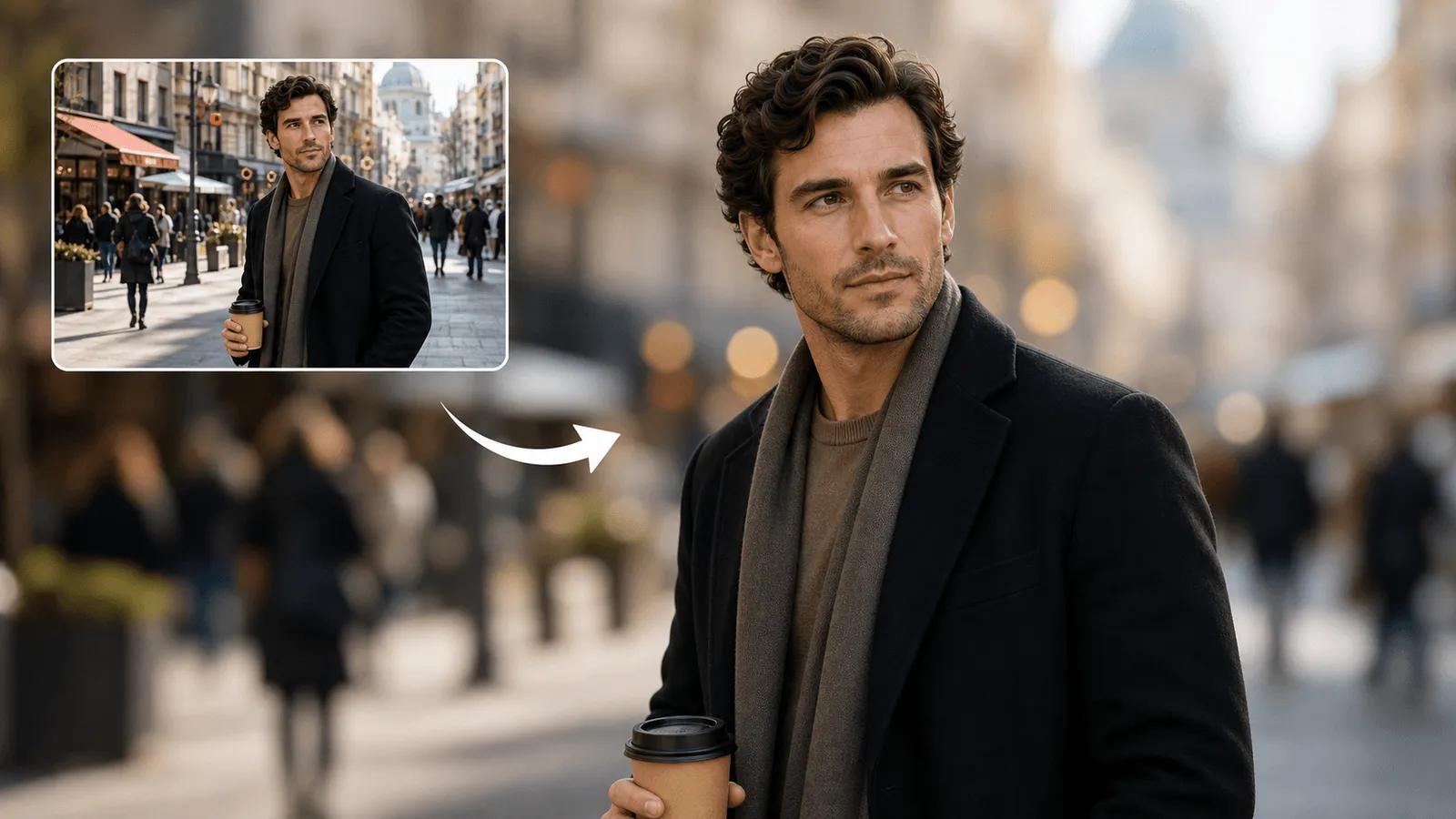
Transform your photos with our AI Blur Image tool. Create stunning bokeh effects, protect privacy, and make your subjects pop with professional background blur - all free on NanoImg.io.

Click or drag to upload images

JPEG, PNG, WebP (max 5MB each, up to 4 images)

0/200
Samples
Example 1 - 后
Example 1 - 前
Auto
History

How to Blur Images Free Online in 3 Steps

1

Upload Your Photo

Drag and drop any image or click to upload. Support JPEG, PNG, WebP up to 5MB. No account needed to start.

2

AI Automatically Detects & Blurs

Our AI identifies your subject and blurs the background. Choose your aspect ratio and add custom instructions if needed.

3

Download Instantly

Get your professional-quality blurred image in seconds. Ready for social media, privacy protection, or creative projects.

Free Blur Image Tool with Smart Detection

Our free AI Blur Image tool automatically detects faces and objects, letting you blur backgrounds for privacy protection or create professional focus effects. Perfect for social media posts, dating profiles, or whenever you need to hide sensitive information while keeping your subject crystal clear. For complete background replacement, try AI Background Changer or Green Screen.

Free AI blur image tool protecting privacy and creating focus

Professional Bokeh Effects Without Expensive Equipment

Turn smartphone photos into professional-looking shots with our AI Blur Image tool. Create beautiful bokeh effects that normally require expensive cameras and lenses. Perfect for portraits, product photography, and creating that Instagram-worthy depth that makes your photos stand out from the crowd.

Social Media Ready Formats

Get your blurred images in the perfect format for any platform. Choose 1:1 for Instagram posts, 2:3 for Stories, or 3:2 for Facebook covers. Our AI Blur Image tool optimizes your photos for maximum engagement across all social media platforms. Enhance your images further with Sharpen Image or Color Correction.

Blur Background & Motion Blur Effects

Create professional blur background effects for portrait photography, product shots, and social media. Add motion blur to convey speed and movement in sports photography. Perfect for Instagram stories, LinkedIn profiles, and creative visual storytelling.

Blur Image Free Online - Frequently Asked Questions

Everything you need to know about NanoImg.io's AI Blur Image tool

Yes! NanoImg.io offers free AI Blur Image processing with no signup required. Each blur effect uses 2 credits, and new users get free credits to start creating professional-quality blurred images immediately.
Our AI Blur Image tool is perfect for privacy protection (hiding faces or sensitive info), creating professional product photos, making social media posts stand out, dating profile photos, and adding artistic bokeh effects to any image.
Our advanced AI automatically identifies the main subject (people, objects, products) and applies gaussian blur to the background while keeping your subject sharp and clear. You can also add custom instructions for specific blur effects.
Upload JPEG, PNG, or WebP images up to 5MB each. You can process up to 4 images at once for batch blur processing - perfect for social media content creators and photographers.
Yes! Use the 'Other Ideas' field to specify exactly what you want blurred - faces for privacy, backgrounds for focus, or specific areas. Our AI understands natural language instructions for precise blur control.
Our AI Blur Image tool processes most images in 10-30 seconds. You'll get high-quality results instantly, ready for download in your chosen aspect ratio - perfect for immediate social media posting or professional use.
Yes! For blur background effects, our AI automatically creates professional bokeh-style background blur perfect for portraits and product photography. For motion blur, add instructions like 'motion blur for sports action' or 'speed blur effect' to create dynamic movement in your images.

Need help with our free blur image tool? Contact NanoImg.io support