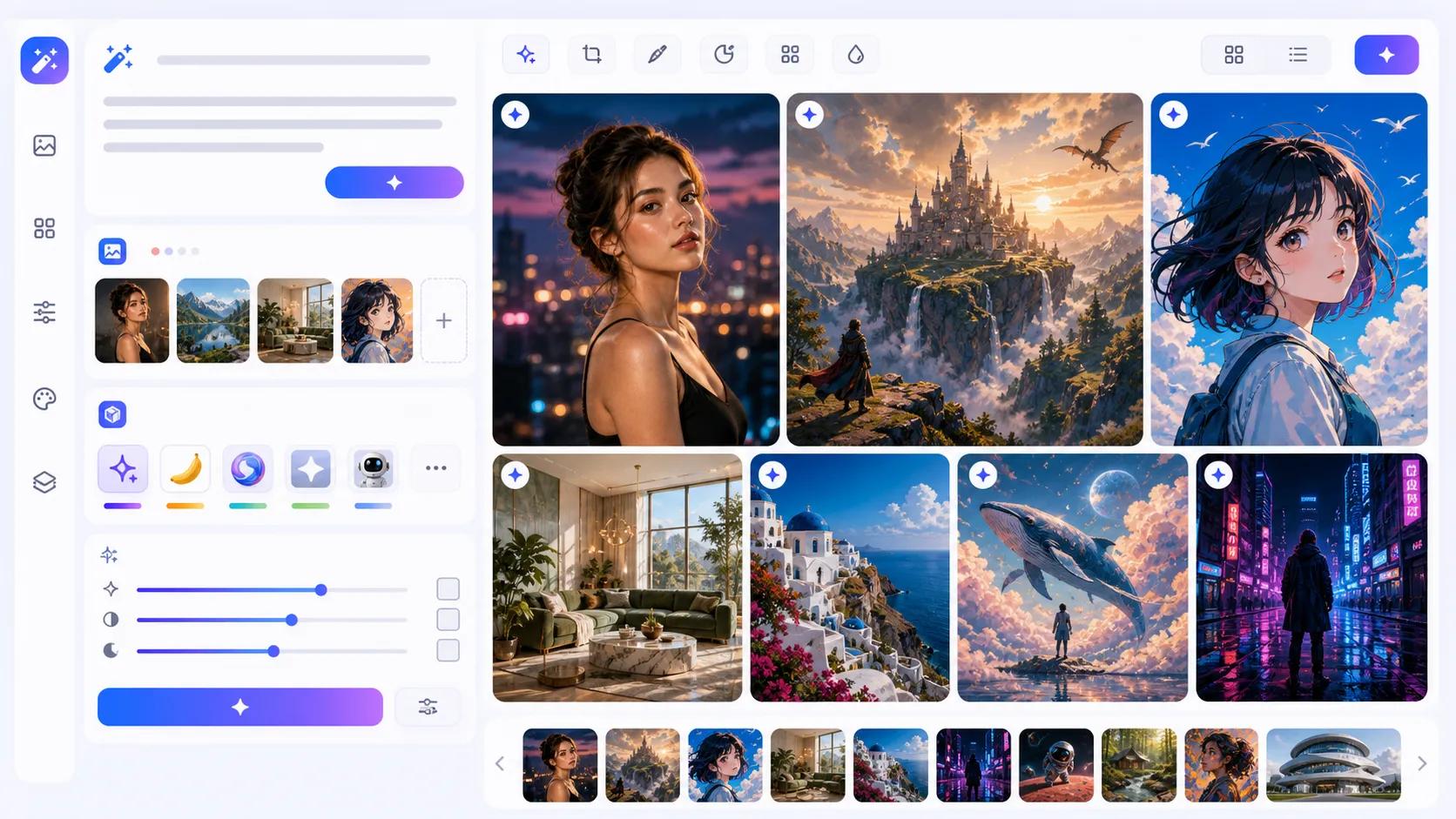
AI Image Generator

Create original images, transform uploaded references, and refine visuals with leading AI image models in one workspace. Use prompts, image guidance, and model-specific controls to generate photorealistic scenes, artwork, product concepts, posters, social visuals, and polished variations.

Credits required:2
Samples
Example 1
History

How to Use the AI Image Generator

1

Choose the Right AI Image Model

Select an available image model based on the job, such as fast drafts, stronger prompt understanding, reference-guided editing, realistic detail, higher-resolution output, or repeatable seed-based variations.

2

Write a Prompt or Upload References

Describe the image you want, including subject, scene, style, lighting, mood, and composition. Add reference images when you want the AI to preserve a person, product, layout, style, or visual direction.

3

Generate, Compare, and Refine

Run the selected model, review the result, download the image, or adjust your prompt and settings. Switch models to compare speed, realism, detail, text rendering, and creative interpretation.

Generate from text, references, or both

All-in-One AI Image Creation and Editing

NanoImg.io combines text-to-image creation and image-to-image editing in one workflow. Start from a written idea, upload references for visual guidance, or use both to create original visuals, rebuild scenes, restyle images, and generate polished variations.

AI image generator preview

Choose by Creative Goal, Not by Tool Switching

Compare available image models from one page. Use faster options for ideation, prompt-focused options for instruction following, reference-guided options for controlled edits, realistic styles for coherent scenes, and high-resolution controls for production-ready output.

Better Control Over Prompts, References, and Detail

Modern AI image models can follow natural language, preserve uploaded visual context, and refine details such as lighting, composition, background, product shape, character style, and mood. Use clear prompts and references to reduce randomness and guide the output.

Model Controls That Fit Production Workflows

Each model exposes the settings it supports, including multi-image uploads, quality, image size, resolution, aspect ratio, and seed options. Fine-tune outputs for social posts, marketing assets, product concepts, artwork, backgrounds, and design explorations.

AI Image Generator FAQ

Common questions about creating and editing images with AI on NanoImg.io

An AI image generator creates or edits images from text prompts, uploaded reference images, or editing instructions. It can generate new visuals, transform photos, restyle artwork, modify details, and create variations from the same idea.
Choose by workflow. Use faster options for drafts, prompt-focused options for instruction following, reference-guided options for editing, realistic styles for polished scenes, and high-resolution or seed controls when format and repeatability matter.
Yes. Use Text to Image mode when you want to start from a prompt only. Describe the subject, scene, style, lighting, composition, mood, and important details so the model has enough guidance.
Yes. Switch to Image to Image mode, upload one or more references, and describe the change you want. You can restyle a portrait, change a background, adjust an object, rebuild a product scene, or create controlled variations.
AI image models interpret prompts probabilistically, so complex scenes, vague wording, conflicting instructions, or very specific layouts can produce variation. Try clearer details, simpler composition, reference images, or another model.
Newer models are much better at text rendering, but exact typography can still fail with long words, small labels, or crowded layouts. Keep text short, describe placement clearly, and compare models when text accuracy is important.
Fine structures such as fingers, teeth, eyes, labels, and crowded backgrounds are still difficult for many models. Higher-quality settings, simpler prompts, reference images, and regenerating alternatives can improve the result.
Commercial use depends on the selected model, platform terms, your prompt or reference content, and local law. Avoid protected brands, copyrighted characters, private likenesses, or living artists' exact styles unless you have the right to use them.